
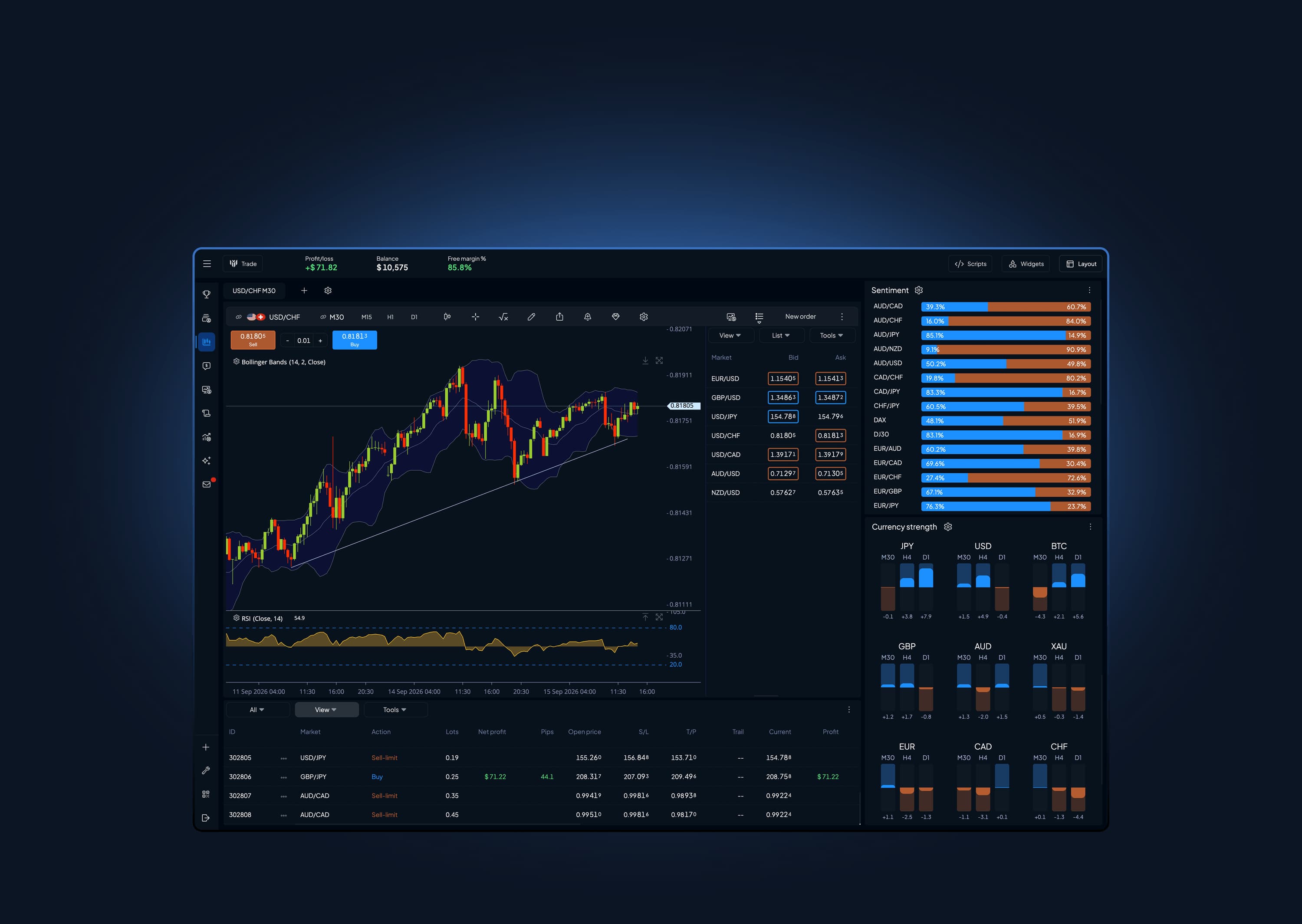
Set it up exactly the way you trade
Pick a ready-made layout to start fast, or build your own from scratch. Drag, drop and arrange every panel, then save as many as you like and switch between them in a single click.
Pick a template, or build your own
- Template
Focus
One big chart with supporting side panels.
- Template
Overview
A wide chart above a row of monitors.
- Template
Dashboard
An even grid of equal-sized panels.
- Blank
Build your own
Empty canvas. Drop in any widgets you want.
- Drag and drop any widget
- Unlimited saved layouts and pages
- Switch in one click
- Share your layout with your team
Charts built for decisions
From a quick glance to deep analysis, clean and fast candlesticks on every timeframe, right down to the tick.
- Every timeframe, from one minute to daily, plus true tick charts.
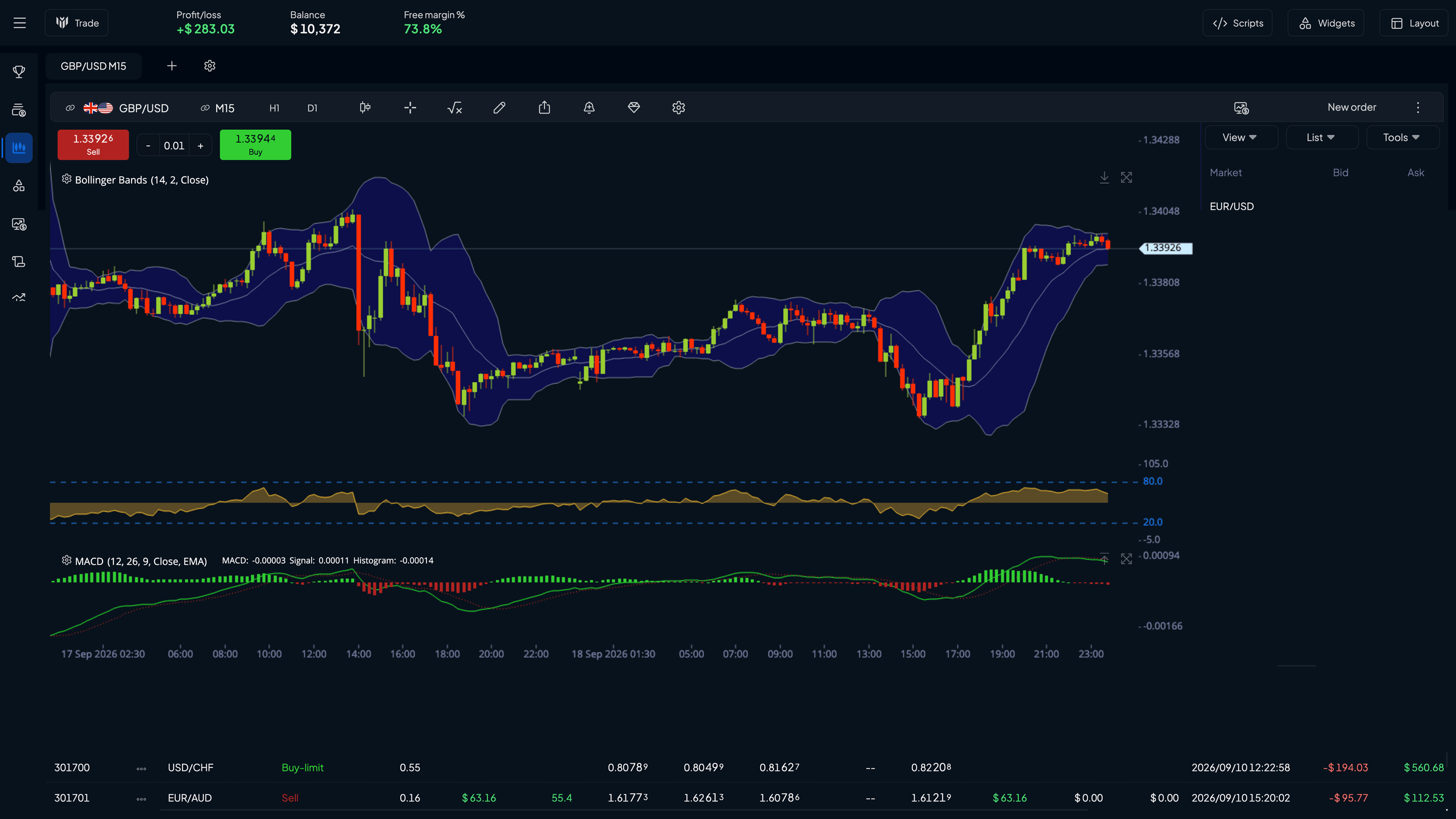
- A full drawing toolkit: trend lines, channels, shapes and annotations.
- Trade straight from the chart, with live quotes alongside.
- Linked charts and widgets. Change one panel and the rest follow.
Built to show price the way you read it
- Candlesticks
- Tick chart
- Multiple charts
- Drawing tools
- On-chart trading
- Custom intervals


Build your tools with AI
Connect once. Then just ask.
A few minutes of setup, and from then on anything you ask Claude for lands in your platform.
Connect it once
Open the AI Creator in MyTrader, copy your address, and add it to Claude.ai as a custom connector. A free Claude account is enough.
In Claude.ai:Add custom connector, paste, save.- Please write a MyTrader indicator which shows fair value gaps
Just ask for it
Say what you want in plain language. Claude reads the platform's documentation through the connector and writes the code.
It lands in MyTrader
No copying, no pasting, no compiling. Open it, try it, and keep it as a page in your sidebar or a saved study.
Fair Value GapsWaiting on your Create tab
Claude cannot see your account, your balance or your trades, nothing runs until you open it, and llm.fxblue.com is still there if you would rather not connect anything.
Describe it in plain language
Click any example and Claude opens with the request already written.
Indicators
... or anything else you have in mind.
Already built it elsewhere?
Ask Claude to convert an indicator or widget you already use, and it comes across without a hand rewrite. Pine Script, MQL4, MQL5 and cTrader all work. Through the MyTrader AppSuite they run on MT4 and MT5 too.
Prefer done-for-you?
Not everyone wants to describe it themselves. The MyTrader community builds and shares custom indicators, widgets and automated tools.
See what the community has built80+ indicators, done right
A full technical toolkit covering trend, momentum, volatility and volume, ready to drop on any chart in one click.
- Trend
Follow the move
Moving averages, ADX, parabolic SAR and more.
- Momentum
Time the turns
RSI, MACD, Stochastic, CCI and beyond.
- Volatility and volume
Measure the pressure
Bollinger Bands, ATR, OBV, Keltner.
- Multi-timeframe and custom
Make it yours
Pull higher timeframes in, or build your own study.
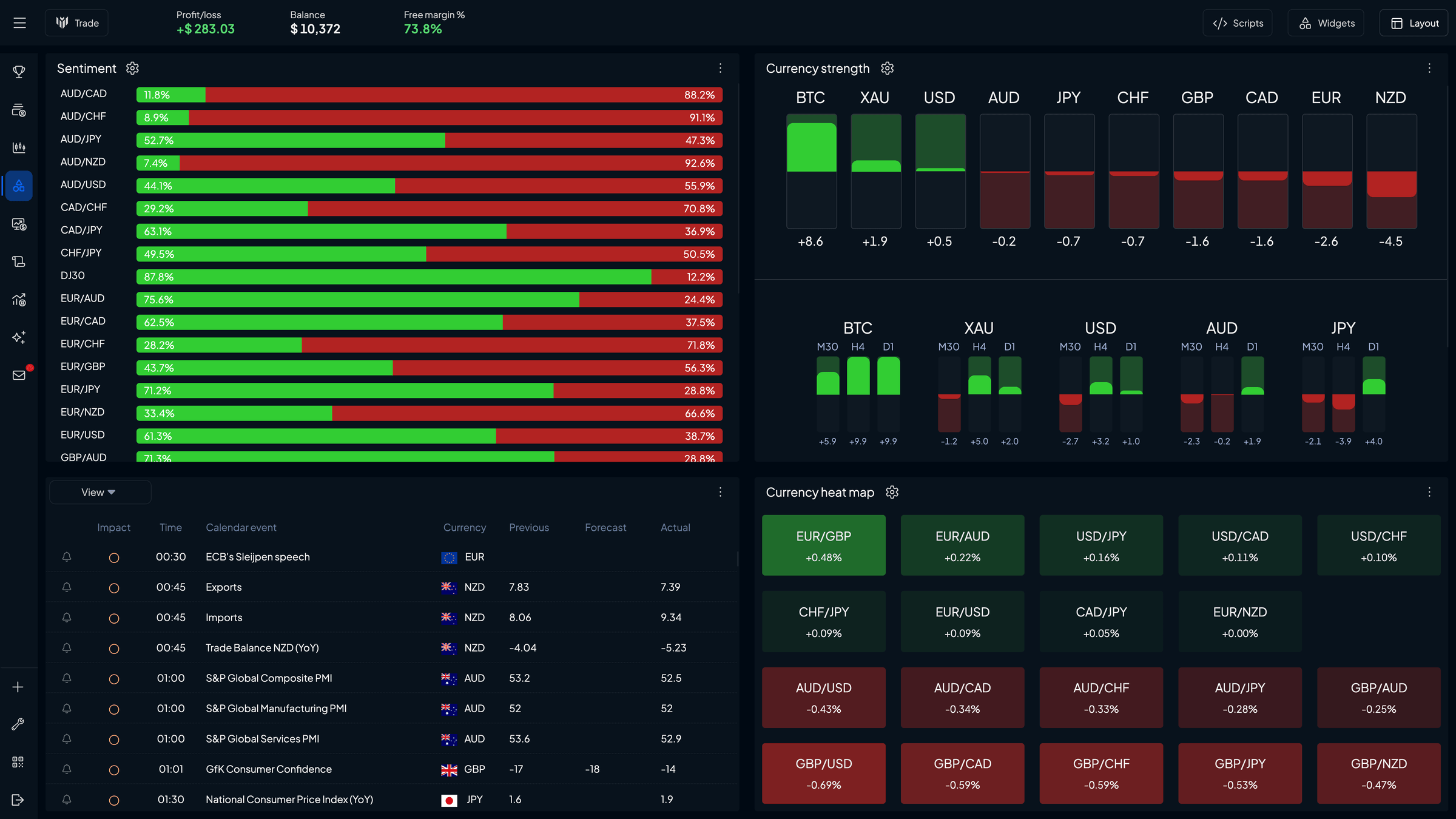
30+ widgets to build with
Purpose-built panels for every job: charts, scanners, calculators, order tickets and more. Open as many as you like and link them together.
- Currency strength
- Strongest against weakest, at a glance.
- Currency heat map
- Momentum across every pair.
- Economic calendar
- Plan around high-impact events.
- Sentiment
- Long against short, market by market.
And much more...
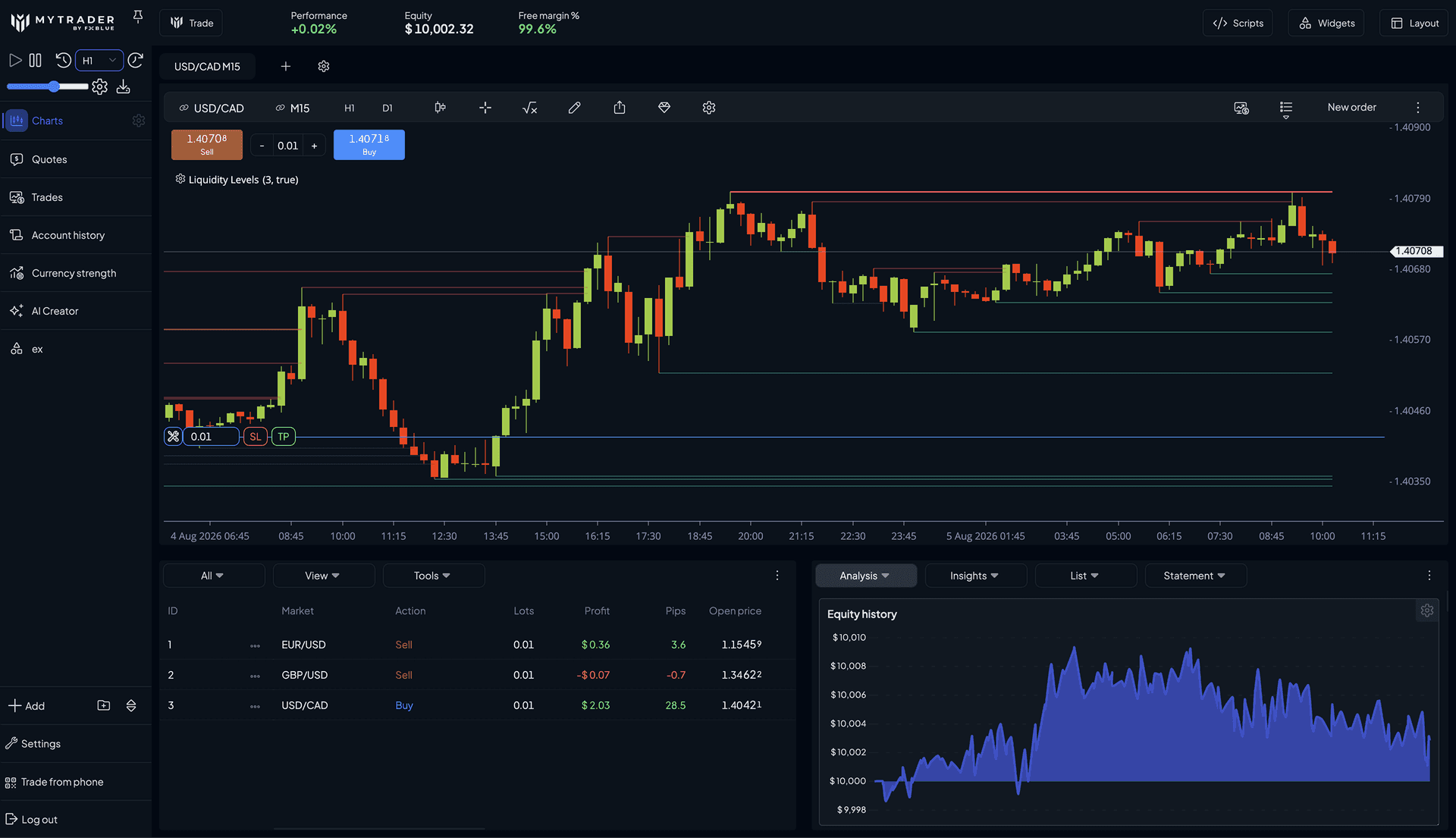
Hit rewind on the market
MyTrader's historical simulator recreates the market tick by tick, so you can practise and backtest in conditions that feel genuinely live, without risking a cent.
- Tick-level price action, not bar-by-bar steps.
- Drop into any historical date and time you like.
- Smart auto-pause on stop-loss and take-profit hits, order fills and closes.


- 80+
- Built-in indicators
- 30+
- Drag-and-drop widgets
- Tick
- Level historical simulation
- Any
- Device, browser and mobile
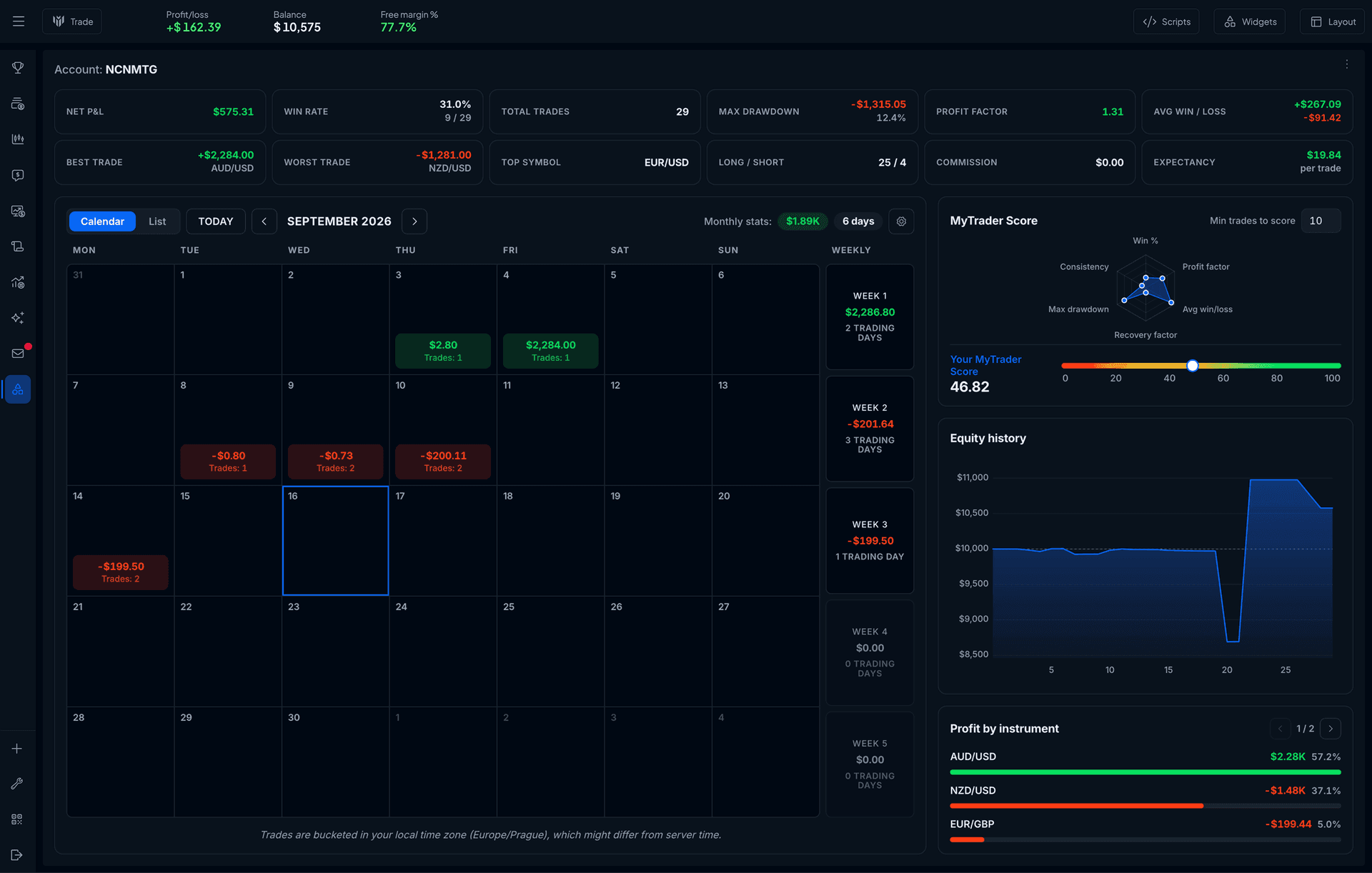
Know your numbers
You cannot improve what you do not measure. MyTrader turns your trading into clear, honest insight.
- Win rate and trade stats
Trade count, win rate, total volume traded.
- Best, worst, average
Your trade extremes, at a glance.
- Per-market breakdowns
See which markets actually make you money.
- Honest accounting
Deposits and fees are kept separate from trading P/L.


Start trading your way
Open MyTrader and build your perfect trading workspace today.