Tools for download
FX Blue Crypto Prices from GDAX
The GDAX price indicator collects current cryptocurrency prices from the GDAX exchange and displays them on an MT4 chart, for comparison against your broker's prices.
Download for Your Platform
Our installer, and also some of our individual tools, require v4.8 of the Microsoft .NET Framework. This may not be installed by default on some VPSes.
MT 4
The GDAX price indicator collects current cryptocurrency prices from the GDAX exchange (www.gdax.com) and displays them on an MT4 chart, for comparison against your broker's prices.
You can use the indicator to help to identify future price movements arising from differences, or arbitrage opportunities.
This is the MT4 version of the indicator. An MT5 version is also available.
The indicator can display the following GDAX prices: BTC/USD, LTC/USD, ETH/USD, BTC/EUR, LTC/EUR, ETH/EUR, BTC/GBP, LTC/BTC, ETH/BTC.
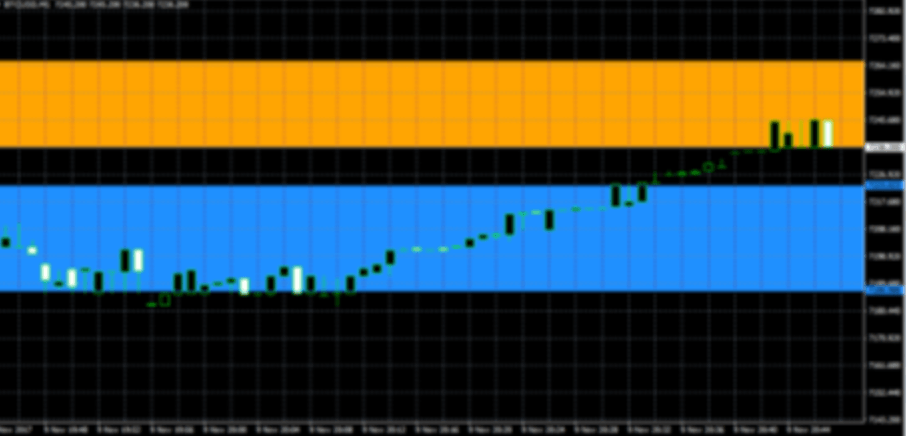
The following example shows the GDAX spread for BTC/USD, including charges, lying entirely outside the broker's spread (GDAX in blue; MT4 broker in orange).
You can use the indicator to help to identify future price movements arising from differences, or arbitrage opportunities.
This is the MT4 version of the indicator. An MT5 version is also available.
The indicator can display the following GDAX prices: BTC/USD, LTC/USD, ETH/USD, BTC/EUR, LTC/EUR, ETH/EUR, BTC/GBP, LTC/BTC, ETH/BTC.
The following example shows the GDAX spread for BTC/USD, including charges, lying entirely outside the broker's spread (GDAX in blue; MT4 broker in orange).
MT 5
The GDAX price indicator collects current cryptocurrency prices from the GDAX exchange (www.gdax.com) and displays them on an MT5 chart, for comparison against your broker's prices.
You can use the indicator to help to identify future price movements arising from differences, or arbitrage opportunities.
This is the MT5 version of the indicator. An MT4 version is also available. Please note that the MT5 indicator requires the 64-bit version of MT5.
The indicator can display the following GDAX prices: BTC/USD, LTC/USD, ETH/USD, BTC/EUR, LTC/EUR, ETH/EUR, BTC/GBP, LTC/BTC, ETH/BTC.
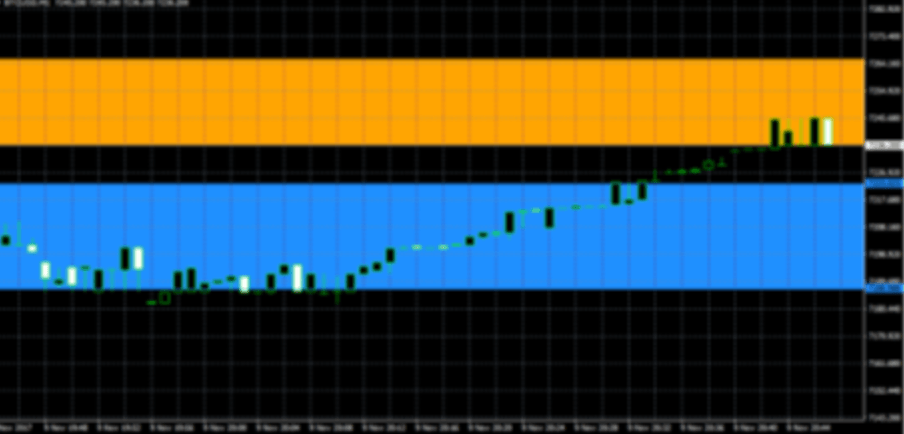
The following example shows the GDAX spread for BTC/USD, including charges, lying entirely outside the broker's spread (GDAX in blue; MT5 broker in orange)
You can use the indicator to help to identify future price movements arising from differences, or arbitrage opportunities.
This is the MT5 version of the indicator. An MT4 version is also available. Please note that the MT5 indicator requires the 64-bit version of MT5.
The indicator can display the following GDAX prices: BTC/USD, LTC/USD, ETH/USD, BTC/EUR, LTC/EUR, ETH/EUR, BTC/GBP, LTC/BTC, ETH/BTC.
The following example shows the GDAX spread for BTC/USD, including charges, lying entirely outside the broker's spread (GDAX in blue; MT5 broker in orange)
Explore and Download Our Other Tools
The Trader Sentiment Indicator allows you to view FX Blue's trader sentiment within both MT4 and MT5, enabling you to compare sentiment shifts with price movements.
The Publisher EA is our recommended way of publishing your trading history from platform to FX Blue. Updates the website immediately on new trading activity. Highly configurable: set a start date, control which trades are published.
QuickChannel is a library for sending messages between copies of MT4 running on the same computer (or between EAs/scripts running in the same installation of MT4). QuickChannel can deliver messages in less than 1 millisecond.