Tools for download
FX Blue Trading Simulator
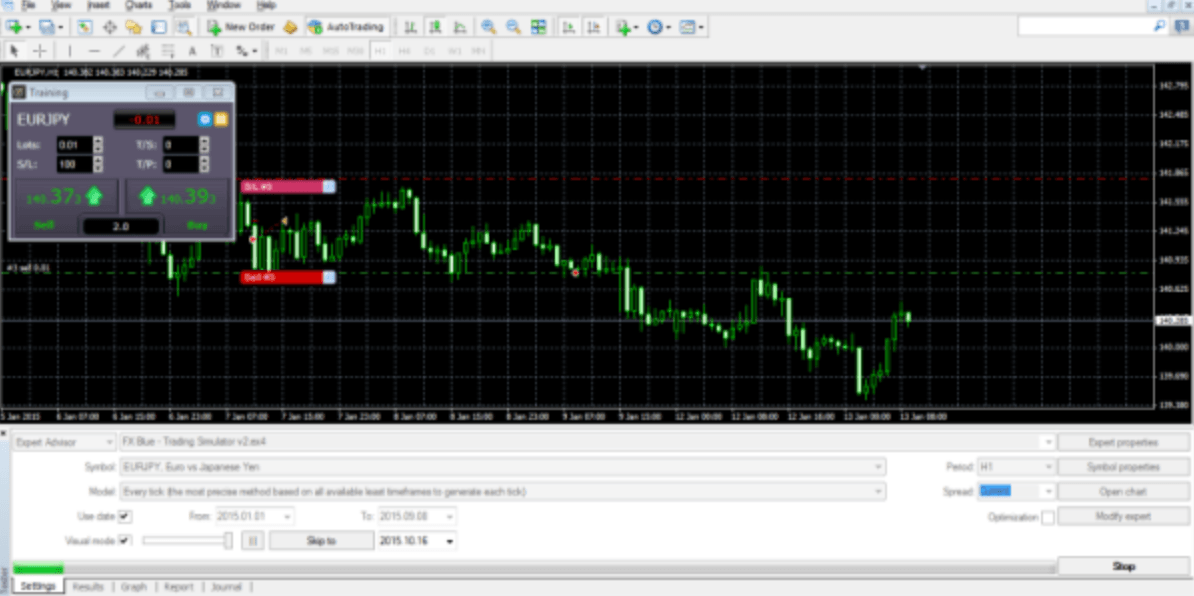
The FX Blue Trading Simulator converts the MT4 and MT5 strategy tester into a tool for practising manual trading using historic data. You can use the Simulator to test how well you would have fared under particular historic market conditions - and/or to check how well your favourite indicators would have guided you in the past.
Download for Your Platform
Our installer, and also some of our individual tools, require v4.8 of the Microsoft .NET Framework. This may not be installed by default on some VPSes.
MT 4
The FX Blue Trading Simulator converts the MT4 strategy tester into a tool for practising manual trading using historic data. You can use the Simulator to test how well you would have fared under particular historic market conditions - and/or to check how well your favourite indicators would have guided you in the past.The Simulator lets you place market and pending orders, set trailing stops, alter the s/l and t/p on orders by clicking on the chart, save complex order definitions as templates, quickly close all open orders, plus many more features which are not available as standard in MT4.
This v3 of the Simulator has a range of extra features:
The results of a simulation can be published to the FX Blue website, giving you access to the full FX Blue reporting and analysis functionality.
This v3 of the Simulator has a range of extra features:
- Multiple timeframes
- Smart Lines
- Keyboard shortcuts
The results of a simulation can be published to the FX Blue website, giving you access to the full FX Blue reporting and analysis functionality.
MT 5
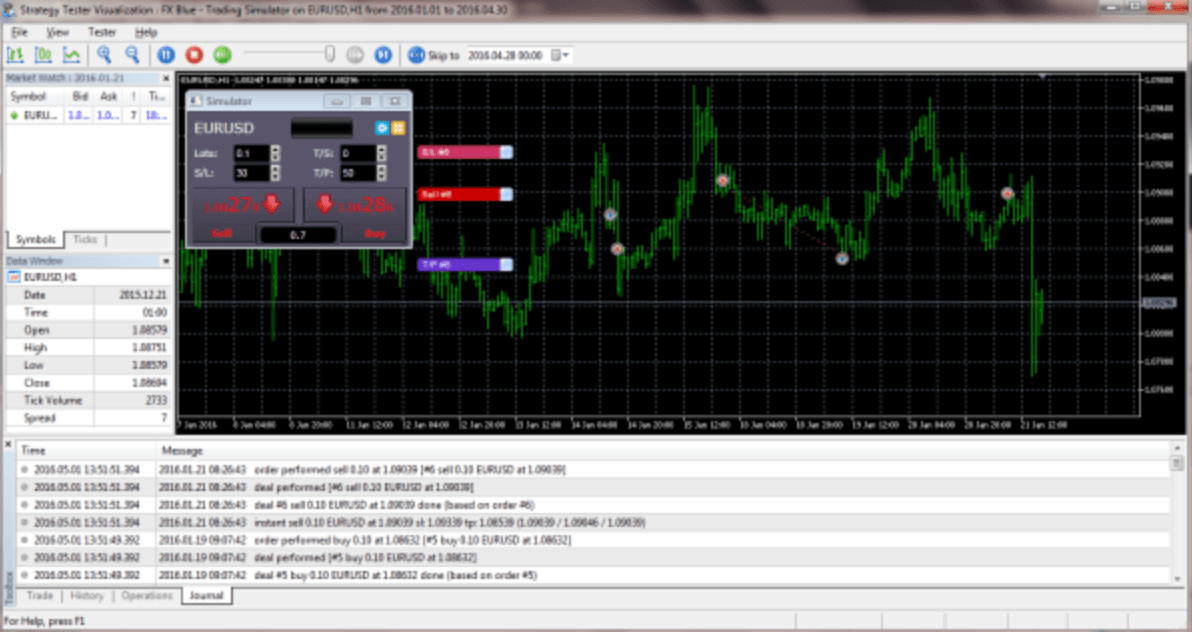
The FX Blue Trading Simulator converts the MT5 Strategy Tester Visualization into a tool for practising manual trading using historic data. You can use the Simulator to test how well you would have fared under particular historic market conditions.
The Simulator lets you place market and pending orders, set trailing stops, alter the s/l and t/p on orders by clicking on the chart, save complex order definitions as templates, quickly close all open orders, plus many more features which are not available as standard in MT5.
The Simulator lets you place market and pending orders, set trailing stops, alter the s/l and t/p on orders by clicking on the chart, save complex order definitions as templates, quickly close all open orders, plus many more features which are not available as standard in MT5.
Explore and Download Our Other Tools
P/L Manager automatically manages manual positions, or orders which have been orphaned by an EA refusing to run. You define either (or both of) a stop-loss and profit-target for all the positions, and they are automatically closed out when the target is hit.
The Chart Quick-Tools are a suite of scripts for modifying all open charts simultaneously in both MT4 and MT5. They allow you to apply indicators to all charts or synchronise settings such as colours and zoom levels from one chart to the rest.
The Alert Forwarder enhances both MT4 and MT5 by adding email, SMS, Twitter, and push-notification alerts to EAs and indicators that lack built-in notification capabilities. For example, if an EA or indicator generates an on-screen alert, the Alert Forwarder can convert it into an email or push notification.